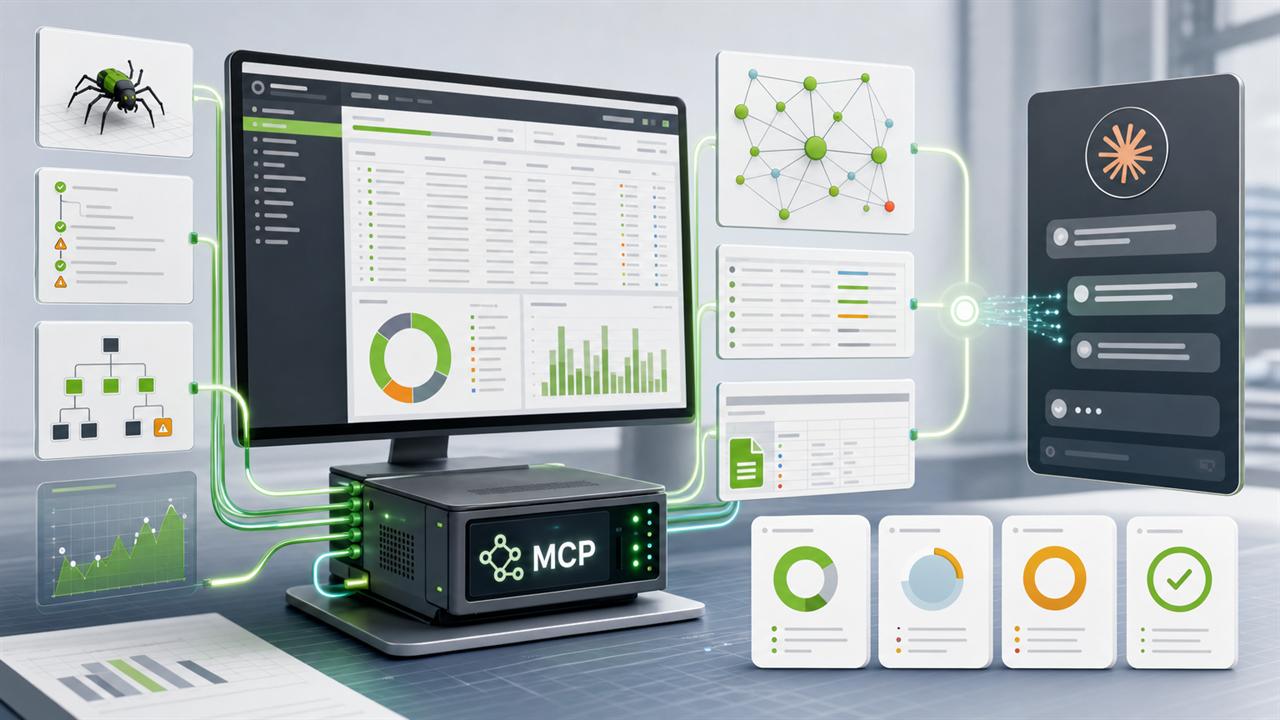
Screaming Frog SEO Spider 24.0 added a feature that is easy to miss in a changelog but important for technical SEO work: a built-in MCP server. MCP, short for Model Context Protocol, lets AI tools connect to external applications and data sources through a standard interface.
In practical terms, a compatible assistant can now work directly with crawl data. It can start crawls, check crawl status, export tabs and reports, read filtered rows, and help turn raw crawl exports into audit findings without the usual CSV shuffle.
What Changed in Screaming Frog 24.0?
Screaming Frog announced SEO Spider 24.0 on 19 May 2026. The headline feature for AI-assisted SEO work is the SEO Spider MCP integration. Screaming Frog describes it as a way to run crawls, analyse, export, and manipulate data from the SEO Spider with Node.js inside tools such as Claude, LM Studio, and other AI assistants.
This does not replace the SEO Spider GUI or the judgement needed in a technical audit. It changes the handoff between crawling and analysis. Instead of exporting ten CSV files and manually joining them in spreadsheets, the assistant can request exactly the export it needs, inspect the rows, and ask for a follow-up export when the first result raises a new question.
Prerequisites
Before setting this up, check the basics:
- Screaming Frog SEO Spider 24.0 or newer, with a valid licence.
- Claude Desktop or another MCP-compatible desktop client.
- Node.js installed locally, because the MCP server runs through Node.
- Permission to edit the local MCP client configuration file.
- A machine you control. Do not enable tool execution casually on shared or untrusted systems.
Step 1: Configure the MCP Server in Screaming Frog
Open Screaming Frog and go to Configuration > Settings > MCP Server. The exact panel can change over time, but the important settings are:
| Setting | Recommended starting point | Why it matters |
|---|---|---|
| Port | 11435, unless another process already uses it |
The MCP client needs to connect to the local server on this port. |
| Response size | Start with the default, increase for larger crawls | Large exports can exceed conservative response limits. |
| Directory | A folder you control, for example C:\Users\YourName\seo_spider_mcp_server |
This is where server files, temporary files, and generated scripts can live. |
| Node.js runtime | Enable only when you understand the execution risk | This may allow an AI assistant to write and execute JavaScript locally. |
Click Start MCP Server. If the configuration is valid, keep the server running while you connect from the MCP client.
Security note: MCP makes tools more useful because the assistant can act on real systems. That is also the risk. Keep it local, use it on a trusted machine, and do not approve broad execution permissions unless you know exactly what the assistant can access.
Step 2: Add Screaming Frog to Claude Desktop
Claude Desktop reads local MCP server definitions from a JSON config file.
On Windows, the file is usually here:
C:\Users\YourName\AppData\Roaming\Claude\claude_desktop_config.jsonOn macOS, it is usually here:
~/Library/Application Support/Claude/claude_desktop_config.jsonAdd an entry like this to the mcpServers object, adjusting the path to the folder configured in Screaming Frog:
{
    "mcpServers": {
      "screaming-frog": {
        "command": "node",
        "args": ["C:\\Users\\YourName\\seo_spider_mcp_server\\index.js"]
      }
    }
  }
Windows paths in JSON need double backslashes. After saving, fully restart Claude Desktop. Closing only the window is often not enough; quit it from the tray or menu and then reopen it.
Step 3: Verify the Connection
Start a new conversation and ask the assistant to check whether Screaming Frog is connected. In many setups this triggers a check tool that returns installation, version, and licence state.
If the connection fails, check the obvious things first:
- Is the MCP server still running inside Screaming Frog?
- Did Claude Desktop fully restart after the config edit?
- Does the path point to a real
index.jsfile? - Is the JSON valid?
- Is the configured port already in use?
The MCP Tools That Matter for SEO Audits
The exact tool names exposed in the client can vary slightly, and some clients prefix them with sf_. Conceptually, the useful tool groups are stable:
The Workflow Detail That Saves Debugging Time
After a crawl finishes, the SEO Spider database can still be busy. If exports fail immediately after a crawl with messages about the SEO Spider being busy, treat it as a workflow state problem rather than a broken integration.
Use this reset cycle after a crawl:
Use the available clear-crawl action to release the database lock.
Find the database ID for the crawl that just completed.
Load that crawl back into the SEO Spider context.
Now request tabs, bulk exports, or reports as needed.
This pattern is also useful when the crawl was created in the GUI. Close or release the GUI state, load the crawl through MCP, then analyse.
Two Practical Ways to Work
Option A: Crawl in the GUI, Analyse via MCP
This is the better approach for most production audits. Use the SEO Spider GUI to configure JavaScript rendering, custom extraction, custom search, API integrations, include/exclude rules, authentication, and crawl limits. Run the crawl normally, then hand the completed crawl to the MCP workflow for exports and analysis.
The advantage is control. A serious technical audit often depends on crawler configuration, not just crawl execution. MCP is strongest after the crawl has captured the right data.
Option B: Run a Headless MCP Crawl
For quick checks, repeatable monitoring, or small sites, a fully headless workflow is useful:
Start crawl -> poll status -> clear active state -> list crawls -> load crawl -> export tabs -> analyse rowsThe limitation is configuration. If the site needs JavaScript rendering, authentication, custom extraction, or Search Console and GA4 data, configure those in the GUI first and save the configuration.
Useful Export Groups
The main reason this integration matters is not that an assistant can start a crawl. It is that the assistant can pull the right export for the question at hand.
| Audit question | Exports to request | Output to build |
|---|---|---|
| Which URLs are broken, and where are they linked from? | Response Codes:All, All Inlinks |
404 URL, source page, anchor, link position, inlink count, priority. |
| Are important pages indexable? | Internal:All, Directives:All, Canonicals:All, Sitemaps:All |
Indexability conflicts, sitemap conflicts, canonical issues, recommendations. |
| Are titles, descriptions, and headings clean? | Page Titles:All, Meta Description:All, H1:All, H2:All |
Missing, duplicate, too long, too short, or misaligned metadata groups. |
| Do hreflang annotations work? | Hreflang:All, Response Codes:All, Canonicals:All |
Missing return links, wrong codes, non-indexable targets, redirected targets. |
| Are redirects wasting crawl equity? | Response Codes:All, Redirect Chains, All Inlinks |
Chains, loops, temporary redirects, internal links to redirected URLs. |
| Is the site technically safe enough? | Security:All, All HTTP Headers, All External Links |
HTTP pages, mixed content, missing headers, risky forms, external link concerns. |
Prompt Patterns That Work
Example prompt for a broad audit:
Load the latest crawl for example.com.
  Export Internal:All, Response Codes:All, Page Titles:All, Meta Description:All,
  H1:All, Canonicals:All, Directives:All, Sitemaps:All, Structured Data:All,
  Security:All, and All Inlinks.

  Create a prioritised technical SEO issue table with:
  Issue | Severity | Affected URLs | Evidence | Why it matters | Recommended fix.
  Group the output into Critical, Warning, and Info.
Configuration Tips for Better MCP Results
MCP does not rescue a weak crawl. These settings matter before the assistant sees any data:
- JavaScript rendering: Enable it for React, Vue, Angular, headless commerce, or client-rendered templates. Without rendering, the crawl may only see the HTML shell.
- Crawl Analysis: Run post-crawl analysis when you need link score, orphan detection, near-duplicate checks, and sitemap comparison filters.
- Database storage: For larger sites, use Database Storage mode rather than keeping everything in memory.
- Custom Search: Add patterns for GTM, schema types, placeholder content, consent banners, or implementation markers before crawling.
- Custom Extraction: Use XPath or CSS extraction for details Screaming Frog does not expose by default, such as prices, availability states, Open Graph tags, or product attributes.
Why a Skill File Is Worth It
A fresh chat usually does not know your preferred audit workflow, export names, severity taxonomy, or reporting format. A skill file solves that by giving the assistant persistent operating context.
A useful Screaming Frog MCP skill should include:
- Exact export names for tabs, bulk exports, and reports.
- The clear, list, load, export workflow after crawls.
- Common audit prompts for broken links, redirects, hreflang, indexability, security, and migrations.
- A severity taxonomy with definitions for Critical, Warning, and Info.
- Troubleshooting notes for busy-state errors, response-size limits, missing crawl analysis, and JSON config problems.
This is the difference between a demo and a repeatable production workflow. Once the assistant knows the audit playbook, a short prompt can trigger a structured sequence of exports and checks.
What Still Does Not Work Cleanly
The integration is useful, but it is not magic.
- Complex configuration still belongs in the GUI. Rendering, custom extraction, authentication, API connections, and edge-case crawl rules are easier and safer to configure there.
- Large crawls need batching. Response-size limits can make full exports unwieldy. Filter, paginate, or export to files and read in chunks.
- Crawl Analysis can be easy to miss. If inlink counts, orphan reports, or sitemap filters are empty, the post-crawl analysis step probably has not run.
- The assistant still needs review. It can find patterns quickly, but final prioritisation needs SEO judgement, business context, and implementation knowledge.
Summary
Screaming Frog 24.0's MCP integration is one of the more practical AI additions to a technical SEO workflow because it connects the assistant to crawl data instead of asking it to reason from pasted snippets. The setup is short, but the workflow discipline matters.
The useful pattern is simple: configure crawls carefully, use MCP to load the right crawl, export the right slices of data, and turn those slices into prioritised findings. For recurring audits, put the export names, reset cycle, prompts, and severity rules into a skill file so the process becomes repeatable.