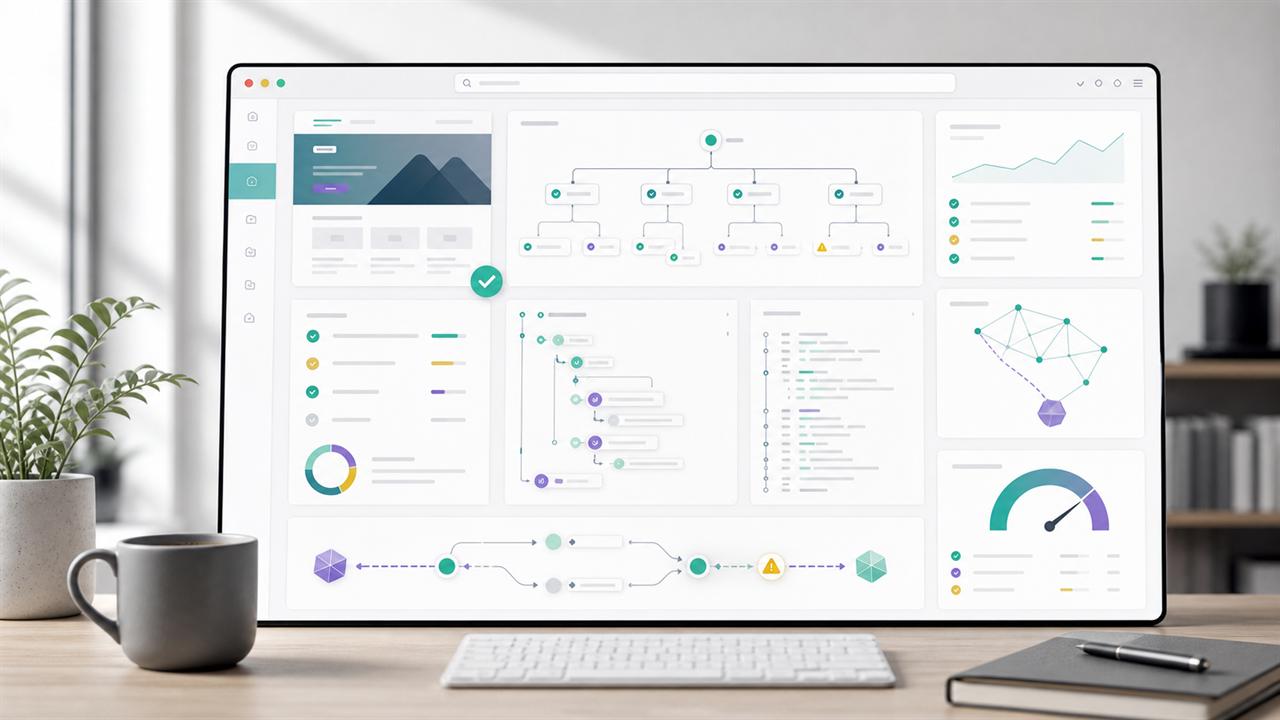
This is a small tool, not a grand theory. I built the AI Agent Site Auditor because the current conversation around AI agents and websites is moving faster than most technical SEO checklists. The tool is intentionally practical: give it a URL, let it crawl a controlled sample of pages, and it returns a report about the signals that help autonomous agents understand, navigate, and act on a site.
It is not a ranking factor detector. It is not an answer-engine visibility predictor. It does not pretend to know how every AI assistant will behave next month. It is a structured audit for a more modest question: if an AI agent tries to use this website, are we giving it clear enough machine-readable signals?
The question has become more concrete because Google now writes directly about building agent-friendly websites. The web.dev article is useful because it translates an abstract agent discussion into familiar web fundamentals: clean HTML, the accessibility tree, stable layouts, obvious actions, properly labelled form fields, semantic buttons and links, and fewer visual tricks that confuse automated interaction.
Google Cloud's explainer on what AI agents are frames agents as systems that can reason, plan, observe, act, use tools, and in some cases coordinate with other agents. IBM's overview of AI agents uses a similar operating model: agents autonomously perform tasks by designing workflows with available tools. IBM also breaks down agent components such as planning, memory, tools, reasoning, action, and communication in its writing on components of AI agents.
That is where this becomes relevant for websites. A website is often one of the tools an agent must use. If the site exposes clear navigation, labelled controls, crawlable content, predictable links, usable forms, and explicit access rules, the agent has a better chance of completing the task. If the site hides actions behind visual-only UI, ambiguous buttons, shifting overlays, unlabelled inputs, JavaScript-only states, or confusing robots rules, the agent has to guess.
Try the AI Agent Site Auditor
The tool is available here: AI Agent Site Auditor. Enter a URL, choose a crawl size, decide whether to use the sitemap, and decide whether the crawler should respect robots.txt. For most sites, I would start with 25 to 100 pages and robots.txt enabled.
The report returns a score, but the score is mainly a navigation aid. The important part is the list of issues, quick wins, robot policy findings, and per-page evidence. The export options are there so the report can be saved, compared, or handed to a developer.
Why I built it
Technical SEO tools already crawl pages, inspect metadata, validate structured data, and find accessibility defects. But the agent-friendly website question cuts across several disciplines at once. It touches SEO, accessibility, frontend engineering, information architecture, security posture, content design, and crawler governance. A normal crawl report can miss the connective tissue.
For example, a page can have a title tag, pass Core Web Vitals, and still be unpleasant for an agent to operate. The primary call to action might be a styled <div>. A form may rely on placeholders instead of labels. A checkout step may be hidden behind an overlay that looks transparent to a human but blocks the DOM path. A route may require a hover state that is easy for a person and unclear for automation. A robots.txt file may allow Googlebot while quietly blocking or allowing several LLM-specific user agents without anyone on the team noticing.
I wanted a tool that reads a site through that combined lens. It should not replace proper manual QA. It should give a first structured answer to the question: what would I fix if I wanted this site to be easier for an AI agent to understand and use?
The Google idea behind the checklist
The most useful part of Google's agent-friendly website guidance is that it does not ask web teams to invent a separate AI-only layer. It points back to durable web foundations. Agents can use screenshots, raw HTML, and the accessibility tree. Those inputs are strongest when the site is already well built.
That means the first version of an agent-readiness checklist should look familiar:
- Use real links for navigation and real buttons for actions.
- Give every important interactive element a clear accessible name.
- Connect labels to inputs with explicit
forandidrelationships. - Avoid layouts where key actions move unpredictably from page to page.
- Avoid transparent overlays, ghost elements, and hidden click blockers.
- Keep required actions visibly large enough to be found and selected.
- Expose a logical heading structure and a useful main landmark.
- Make robots.txt policy explicit and review how AI crawlers are treated.
That is deliberately unglamorous. It is also the point. If agents depend on the same signals that assistive technologies, browsers, and crawlers already use, then agent-friendly work is not a separate trick. It is a reason to be stricter about fundamentals.
What the auditor currently checks
The first public version of the auditor is broad rather than perfect. It crawls the submitted site, samples pages, and groups findings into practical categories. Some checks are deterministic. Some are heuristics. I would rather label a heuristic clearly than pretend that visual and agentic behavior can be judged with mathematical certainty from HTML alone.
| Area | What the tool looks for | Why it matters |
|---|---|---|
| Semantic actions | Links, buttons, roles, clickable elements, missing accessible names, tiny targets, and controls built from non-semantic elements. | Agents need to identify what can be clicked or submitted without guessing from visual appearance alone. |
| Forms | Inputs without labels, placeholder-only fields, missing submit controls, unclear button names, and weak field relationships. | Goal-oriented agents often need to search, filter, register, request, buy, or submit. Forms are where ambiguity becomes expensive. |
| Accessibility tree signals | Landmarks, headings, ARIA roles, labelled controls, alt text, table headers, and navigation structure. | The accessibility tree is one of the cleanest summaries of page function. It helps humans using assistive tech and automated agents. |
| Layout stability and overlays | Fixed overlays, modals, sticky layers, animation-heavy patterns, and elements that may cover or confuse action paths. | Agents that combine screenshots with DOM inspection can be confused when visual and structural states disagree. |
| Crawl and index signals | Canonical tags, meta robots, X-Robots-Tag headers, sitemap discovery, status codes, redirects, and crawl depth. | An agent can only use content that it can reach, interpret, and treat as the intended version. |
| AI crawler policy | robots.txt groups for GPTBot, ChatGPT-User, OAI-SearchBot, ClaudeBot, Claude-User, Google-Extended, PerplexityBot, YouBot, CCBot, Meta-ExternalAgent, Bytespider, Applebot-Extended, and wildcard rules. | Teams need to know whether they are allowing or excluding LLM-related crawlers. A vague robots.txt file is not governance. |
| Agent resources | robots.txt, sitemap.xml, llms.txt, OpenAPI files, feeds, and legacy plugin descriptors are classified by practical importance. | Not every missing file is a problem. The auditor separates core, recommended, conditional, optional, and legacy resources. |
| Structured data and metadata | Schema.org JSON-LD, Open Graph, Twitter metadata, descriptions, titles, and content clarity signals. | These signals do not make a site agent-ready by themselves, but they help systems understand entities, pages, and relationships. |
robots.txt is not just about respecting rules
One thing I changed after testing the tool was the robots.txt section. At first, the auditor mostly respected robots.txt while crawling. That is necessary, but incomplete. The more interesting diagnostic question is what the file says about AI and LLM crawlers.
Many sites have a robots.txt file that was written for classic search crawler governance. It may contain dozens of rules for old directories, WordPress paths, faceted navigation, or internal search. But LLM-specific user agents are often missing, accidentally blocked through broad wildcard rules, or allowed without an explicit decision. The auditor now reports whether known AI-related agents appear to be allowed or blocked and highlights whether /llms.txt itself is reachable for them.
This is not because every site must publish an llms.txt file today. It is because teams should know the difference between a deliberate access policy and an accidental one.
A small note on llms.txt: I treat it as recommended for experimentation, not as a universal requirement. A missing /llms.txt is less important than a broken robots.txt policy, inaccessible navigation, or ambiguous interactive controls.
Why some missing resources are not critical
The auditor checks a few well-known paths, but it does not treat them equally. A missing /.well-known/ai-plugin.json is usually not important for a normal website. A missing /openapi.json only matters if the site exposes a public API that agents should use. A missing feed may matter for publishers, but not for every SaaS or tool page. A missing sitemap is more important because it affects discovery. A confusing robots.txt file is usually more important still.
That distinction matters because audit tools can easily produce noise. A good report should help decide what to fix first, not simply list every file that could exist on the web.
What the score means
The score is intentionally conservative. It combines issues across crawlability, semantics, accessibility, metadata, forms, and policy. It should be read as a prioritization signal, not as a public badge. A site with a high score can still have one serious workflow failure. A site with a lower score may have a few repeated template issues that are easy to fix.
I recommend using the score in three ways:
- Run the same site before and after template changes to see whether the direction is improving.
- Compare important templates, such as homepage, category page, article page, product page, and contact form.
- Use the issue list to identify repeated defects that can be fixed once at component level.
How I would use the report
For a real project, I would not start by arguing about AI visibility. I would start with the boring defects. If the report finds buttons without names, fix those. If forms have no labels, fix those. If headings skip randomly, clean them up. If a cookie banner covers the primary action and has unclear controls, improve it. If robots.txt blocks everything through a wildcard group, review the rule. If canonical tags disagree with the crawlable URL, resolve that first.
After that, I would look at the more agent-specific layer: Are AI-related user agents intentionally allowed or blocked? Is there a sitemap? Is the navigation path obvious? Are important tasks available through links and forms rather than hidden client-side states? Could a tool-using agent understand which button belongs to which object?
Most of these fixes are not exotic. They are the same fixes that make a website less fragile.
Where Google, IBM, and practical SEO overlap
Google's web.dev guidance is especially helpful because it connects agent readiness to the page representations agents actually use: screenshots, raw HTML, and the accessibility tree. Google Cloud's agent documentation describes agents as systems that reason, plan, observe, act, collaborate, and use tools. IBM's agent writing describes the same broader pattern: agents design workflows, use tools, plan future actions, and rely on components such as memory and communication.
For SEO work, the overlap is clear. A page is not just a document. It is also an interface, a task surface, and sometimes a data source. The same page may be read by a human, indexed by a search crawler, summarized by a language model, operated by a browser automation agent, and referenced by another tool. The more explicit the site is, the fewer assumptions each system has to make.
What the tool does not solve
The auditor cannot know whether a specific commercial AI assistant will choose your site for a task. It cannot simulate every browser, authentication state, cookie banner, payment flow, or private API. It does not test logged-in journeys. It does not judge content quality in the editorial sense. It does not prove that a page will be cited in AI answers.
Those limitations are important. The tool is useful because it narrows the first layer of uncertainty. It says: before we speculate about future AI behavior, can we at least make the site structurally understandable, accessible, crawlable, and governed by explicit rules?
A practical roadmap
The next improvements I want to explore are more workflow-focused. A page-level audit is useful, but agent readiness is often about journeys: finding a product, selecting a variant, submitting a contact form, comparing articles, saving a result, or moving from documentation to an API. The tool should eventually test more of those paths.
Possible next steps include:
- Template comparison so repeated defects can be grouped by page type.
- More detailed form workflow testing for search, lead, and checkout paths.
- Better detection of client-side navigation states and hidden action dependencies.
- A clearer robots.txt policy matrix for classic search bots, LLM crawlers, and user-triggered agents.
- Optional Playwright-based screenshots to compare visual actionability with HTML semantics.
- More export formats for developer tickets and recurring monitoring.
Sources and references
These are the main references behind the first checklist. I am linking them directly because the tool should stay grounded in public documentation, not in vague AI folklore.
- Google web.dev: Build agent-friendly websites
- Google web.dev: Introduction to agents
- Google Cloud: What are AI agents?
- IBM Think: What are AI agents?
- IBM Think: Components of AI agents
Closing thought
I do not think every website needs to rush into a new layer of agent-specific optimization. I do think web teams should notice what this moment is asking from them. The best preparation is not to decorate the site for AI. It is to make the site more explicit.
Use semantic elements. Label controls. Keep workflows stable. Publish clear crawl rules. Make the important content reachable. Treat accessibility as infrastructure, not compliance theater. If the future web includes more autonomous agents, those basics will matter more, not less.
The AI Agent Site Auditor is my small attempt to make that work easier to inspect.